
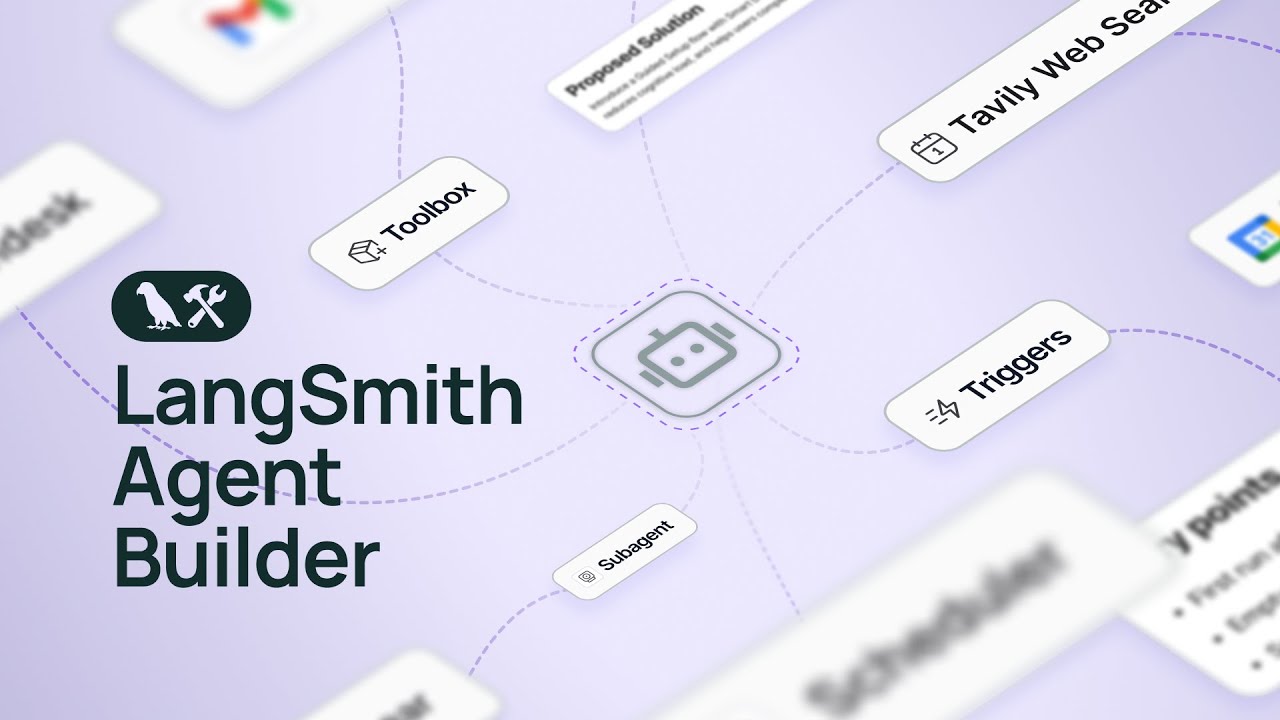
Introducing: LangSmith Agent Builder

Introducing: LangSmith Agent Builder
LangSmith Agent Builder enables anyone to build agents using natural language:
- Describe your goal in your own words. Agent Builder figures out the approach.
- It creates detailed instructions, selects the required tools, and enlists subagents.
- When you want to change something, just give it feedback, and the agent learns.
Try Agent Builder free today: https://www.langchain.com/langsmith/agent-builder
Introducing /remember: Teaching Agents to Learn from Experience
🧠Shipping /remember in the Deep Agents CLI: a primitive for persistent agent memory
How it works:
- inject a reflection prompt into your conversation thread
- agent analyzes full context + identifies patterns
- writes learnings to filesystem (agents.md for preferences, skills/ for workflows)
- future threads get this context automatically 🙌
check out how we correct the agent once (requests→httpx) and it remembers forever
Check our our Docs here: https://docs.langchain.com/oss/python/deepagents/cli
Or get started in seconds by setting an API Key and running: ‘uvx deepagents-cli’
LangChain Academy New Course: LangSmith Agent Builder
LangSmith Agent Builder enables anyone to build agents for complex daily tasks, without writing code.
It’s simple. You start by describing the goal in your own words. Agent Builder determines the approach and guides you from initial idea to a deployed agent.
In this course, you’ll learn to build your own agents and multiply your capacity with AI agents built around your routines.
➡️ Enroll for free: https://academy.langchain.com/courses/quickstart-agent-builder/?utm_medium=social&utm_source=youtube&utm_campaign=q4-2025_agent-builder-launch_aw
➡️ Sign up for LangSmith Agent Builder: https://smith.langchain.com/agents?skipOnboarding=true/?utm_medium=social&utm_source=youtube&utm_campaign=q4-2025_agent-builder-launch_aw
LangSmith Agent Builder Technical Highlights
Six technical features central to LangSmith Agent Builder:
1. It's built on the Deep Agents harness
2. The agent is a filesystem
3. Memory is built in
4. Triggers let them act autonomously
5. Supervise agents in the feed
6. Supports MCP, skills, and subagents
Try Agent Builder: https://www.langchain.com/langsmith/agent-builder
3 Hidden Features That Make AI Agents Production-Ready
In this video I walk through 3 less-known features that make agentic apps feel actually production-ready, using real code from the LangGraphJS repository.
📚 What you’ll learn
- Render reasoning tokens (thinking / reasoning blocks) in the UI so users can follow how the agent approaches a problem, catch mistakes early, and build trust in results.
- Reconnect to running streams after refresh/network blips so you don’t lose an in-flight agent run (better UX, fewer “it stopped working” moments).
- Branch existing conversations + edit prompts mid-thread so you can correct course without restarting the entire chat (like “git branches” for conversations).
If you’re building agentic products (not demos), these patterns are quick wins that materially improve trust, resilience, and iteration speed.
🔗 Repo / example app: https://github.com/langchain-ai/langgraphjs/tree/main/examples/ui-react
📖 Follow for more agent UI patterns: https://docs.langchain.com/oss/javascript/langchain/streaming/frontend
Building with Subagents: Design Decisions
The subagents multi-agent pattern is straightforward—but the implementation details really matter for performance.
In this video we break down the design decisions that determine whether your system actually works: tool design, subagent specs, and context engineering for subagent inputs and outputs.
Docs: https://docs.langchain.com/oss/python/langchain/multi-agent/subagents#design-decisions
Choosing the Right Multi-Agent Architecture
When do you actually need a multi agent system? And how should you decide what architecture to use?
In this video we break down 4 architectural patterns (subagents, skills, router, and handoffs) with real examples so you can pick the right one for your use case.
Docs: https://docs.langchain.com/oss/python/langchain/multi-agent#choosing-a-pattern
Build Better Agent UX: Streaming Progress, Status, and File Ops with LangChain
Build agent UIs that feel instant: stream **custom events** from LangChain tool calls (progress, status, file operations) straight into React as they happen. In this video we walk through the a demo using useStream + onCustomEvent, and show how to correlate updates to a specific tool call so your UI updates in-place while tools run.
**What you’ll learn**
- How to emit custom streaming events from tools via config.writer
- How to receive them in React with useStream(..., onCustomEvent)
- How to render progress + status cards tied to a tool call ID
- A simple pattern for “streaming UX” instead of “spinner UX”
🧑💻 Example: https://github.com/langchain-ai/langgraphjs/blob/main/examples/ui-react/src/examples/custom-streaming
📚 Docs: https://docs.langchain.com/oss/javascript/langchain/streaming/frontend
How I built an AI agent to automate my emails with LangSmith Agent Builder
LangSmith Agent Builder is a no-code agent builder. I built an email assistant to monitor and respond to emails, that I've been using for the last ~3 months. Here's what it looks like:
1/ Triggers: it is triggered by incoming emails. I don't have to do any work to kick it off - it just runs automatically
2/ Tools via MCP: connects to gmail (read emails, send email) and gcal (read calendar, read events, create event)
3/ Human in the loop: the "write" actions (sending email, creating calendar) require human approval to run. More on this later - but wanted to highlight that it's able to go completely wild!
4/ Subagent for calendar scheduling: LLMs suck at working with calendars! So i have a subagent specifically for finding my availability - its works a lot better
5/ Agent inbox to review: as mentioned, some actions require human approval. LangSmith Agent Builder ships with an agent inbox to review and approve the actions the agent wants to take
6/ message_user to ask questions: sometimes my agent doesn't know what it should do. It has a message_user tool, which it can use to ask me a question! This also shows up in agent inbox
7/ Remembers what I say: it updates it memory automatically based on my responses to it! This keeps me from having to repeat myself
Try out the template: https://smith.langchain.com/agents/templates?viewingTemplateId=email-assistant&skipOnboarding=true
Or build your own agent: https://smith.langchain.com/agents?skipOnboarding=true
Streaming Typed Agent Messages in LangChain and React
Most “streaming” agent UIs are built around token streams.
That works — until you try to build a real UI.
In this video, Christian Bromann shows how to stream typed agent messages from a LangChain agent into a React UI, without parsing text or guessing what the model is doing.
We’ll set up a LangGraph server, stream messages in real time, and render type-safe agent output directly in the UI — the same pattern used for reliable tool-calling UIs.
This is the foundation pattern for building trustworthy LangChain agent UIs.
📚 Documentation: https://docs.langchain.com/oss/javascript/langchain/streaming/frontend
🧑💻 Example Application: https://github.com/langchain-ai/langgraphjs/tree/main/examples/ui-react
LangSmith Agent Builder: On the street in San Francisco
Join Brace as he finds VCs in South Park, San Francisco and shows them how to build agents to solve their biggest problems using LangSmith Agent Builder.
Try LangSmith Agent Builder free: https://www.langchain.com/langsmith/agent-builder
How Cursor Builds the Future of AI Coding Tools
Harrison Chase and Cursor's Jason Ginsberg discuss the evolution of coding agents, from tab completion to agentic workflows. Learn how Cursor's engineering team ships fast, builds features they use themselves, and thinks about the next wave of AI-assisted development.
🔗 Sign up for LangSmith: https://shorturl.at/dqLQx
🎓 Sign up for LangChain Academy: https://shorturl.at/rViov
